


Cat 2D E-fence for Excavators
Detect
Overview
Protect You and Your Equipment
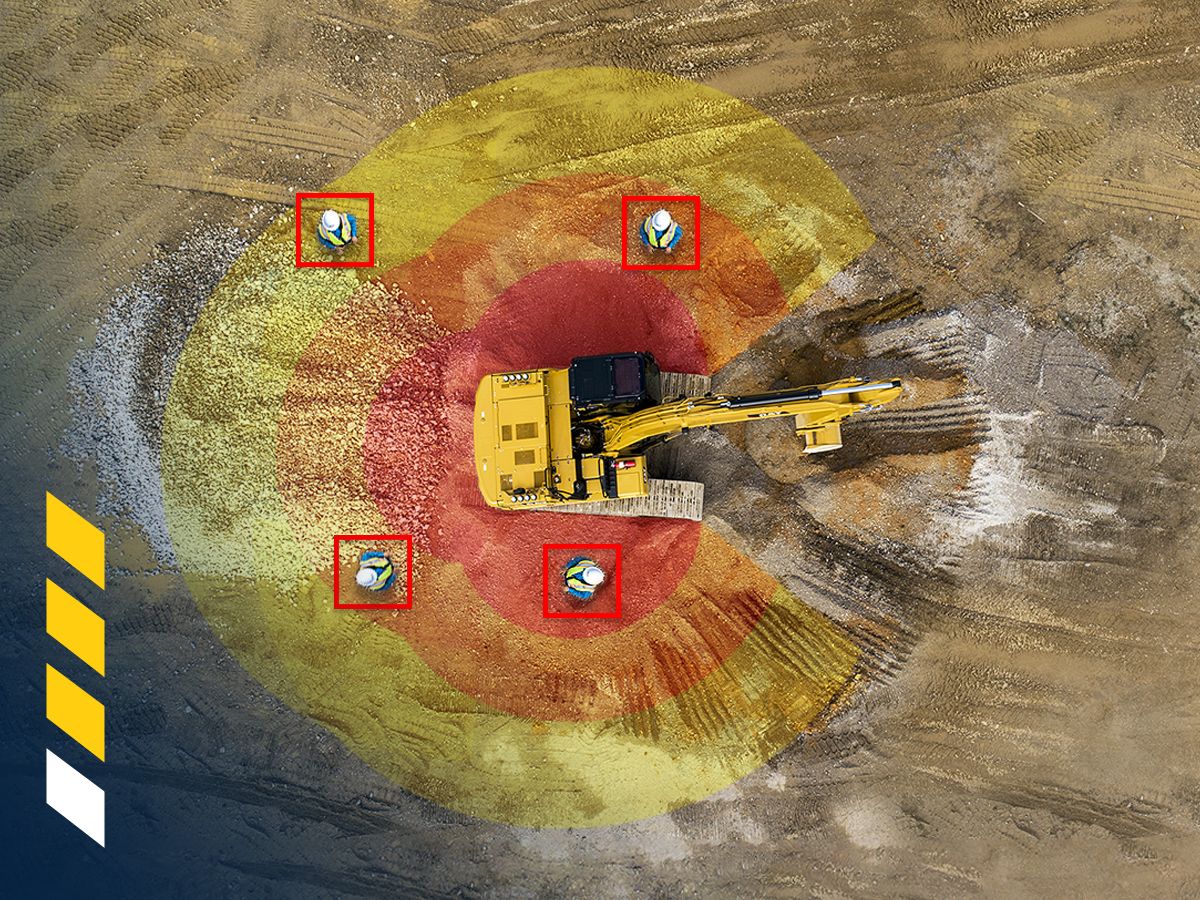
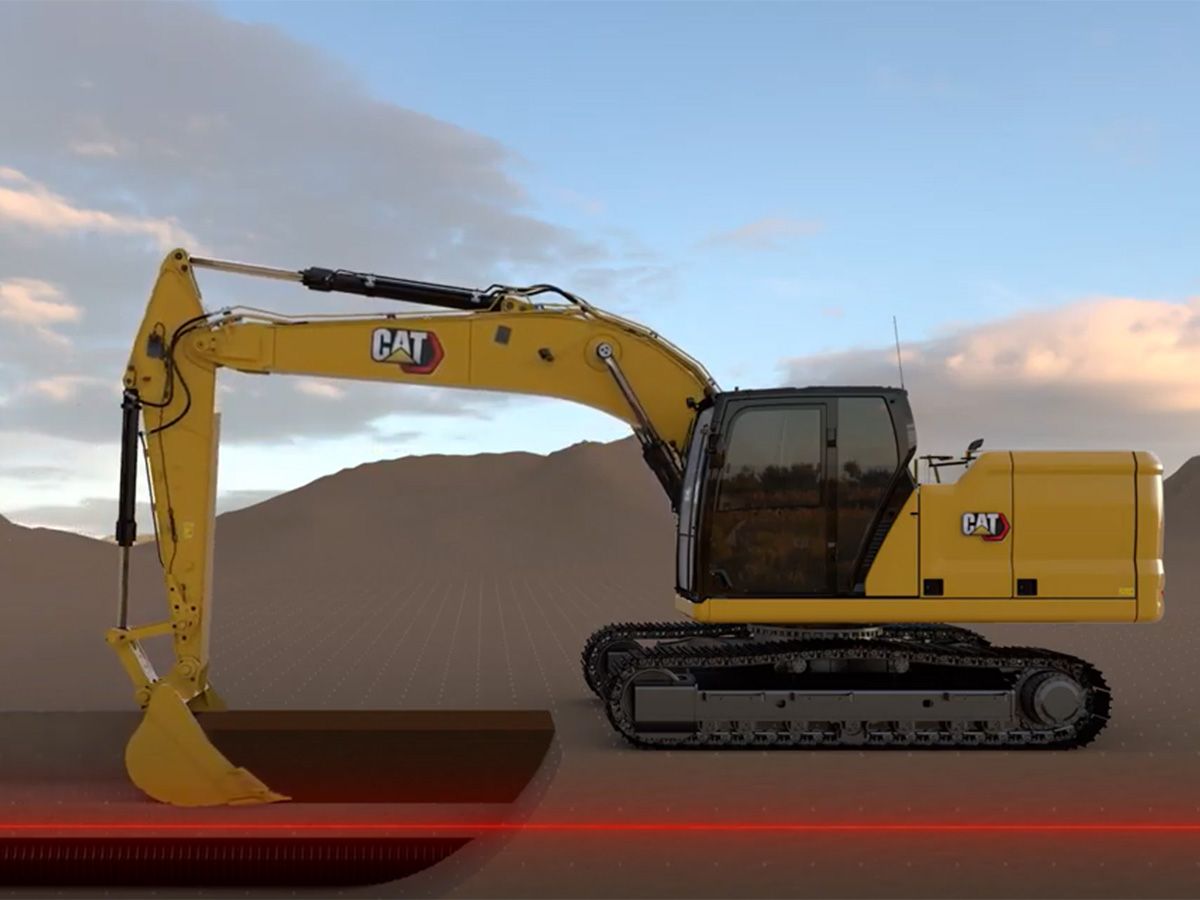
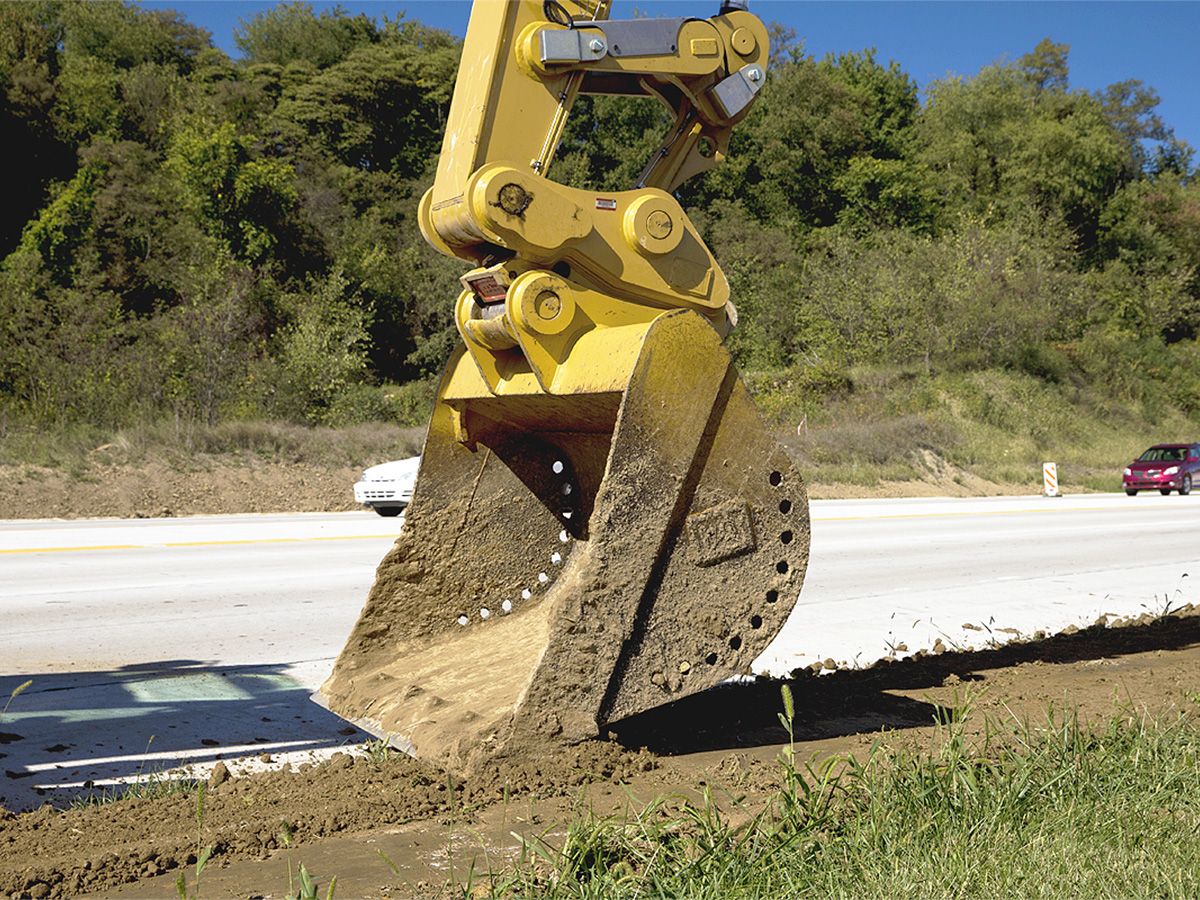
Cat® 2D E-fence keeps the front linkage within a predefined work area to avoid hazards like traffic. 2D E-fence uses data from position sensors to automatically stop motion when the front linkage reaches the defined boundaries.
Benefits
Improve
Set 2D E-fence boundaries help to keep you and your co-workers out of harm’s way.
Lower
Use 2D E-fence to increase safety and help avoid repairs, downtime, and costly jobsite fines.
Reduce
Set your fence and go to work with greater confidence and reduced stress while operating.
Features at a Glance
- Lower Costs, Improve Safety
-
- Minimize jobsite costs by avoiding downtime due to a damaged excavator.
- Avoid possible fines from damaging underground utilities or other structures.
- Work safer with less ground personnel checking grade in the trench or around your excavator.
- Easy setup and simple operation reduce operating fatigue from overswinging or overdigging.
- Work Above Ground
-
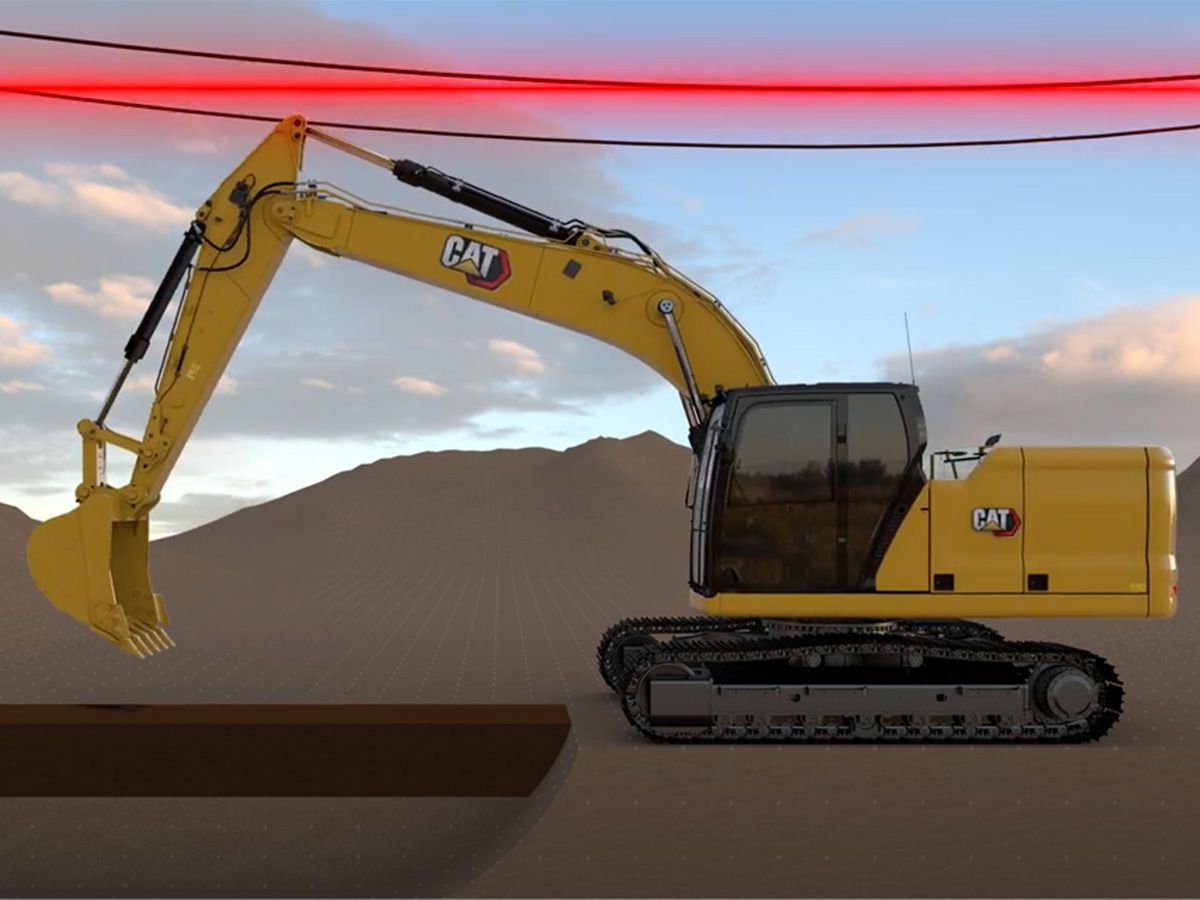
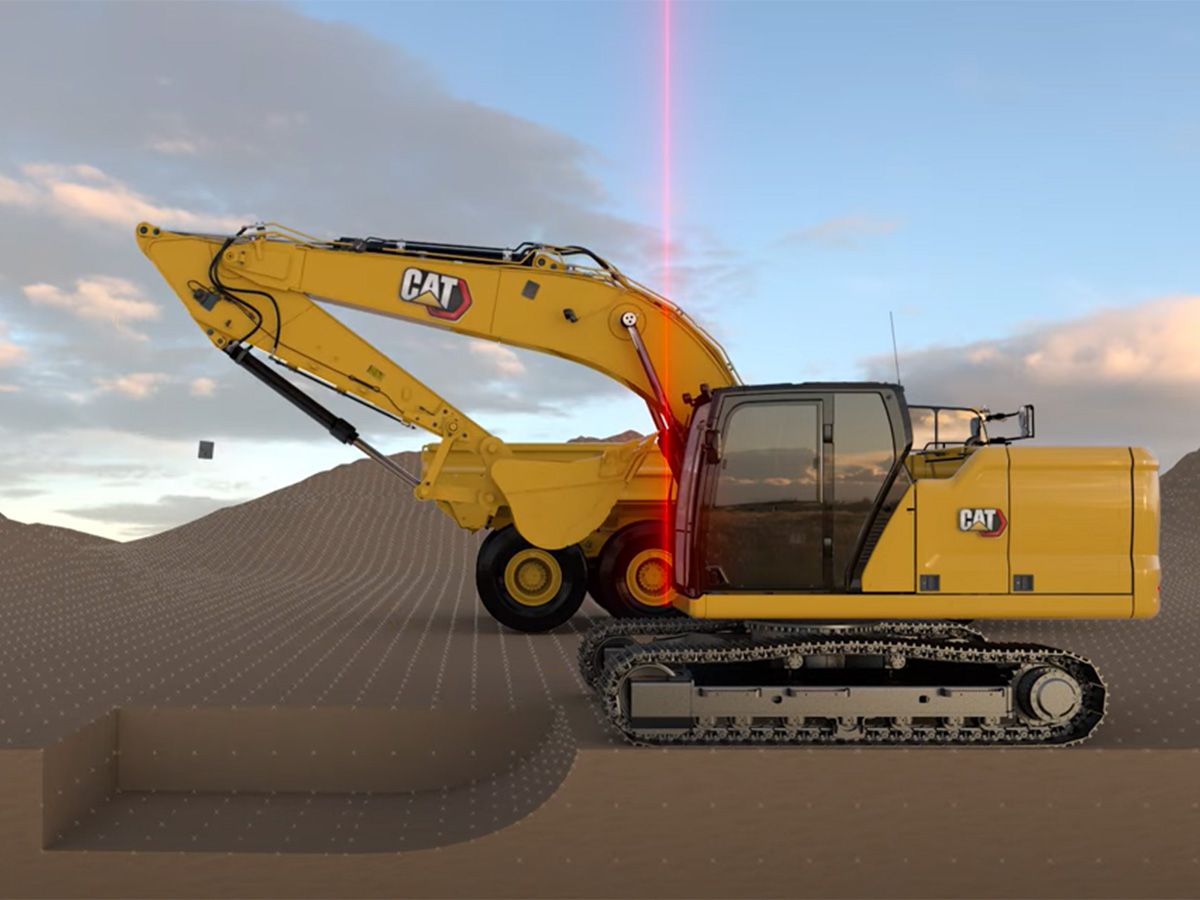
- E-ceiling helps you avoid overhead obstacles such as power lines, bridges, and overhead structures.
- E-ceiling sets your height boundary above your excavator through the touchscreen monitor to stop your boom and stick from breaking that boundary.
- Work Below Grade
-
- E-floor helps you avoid fiber optic cables and underground utilities.
- E-floor sets your depth boundary below your excavator through the touchscreen monitor to stop your boom and stick from breaking that boundary.
- Reach Out Front
-
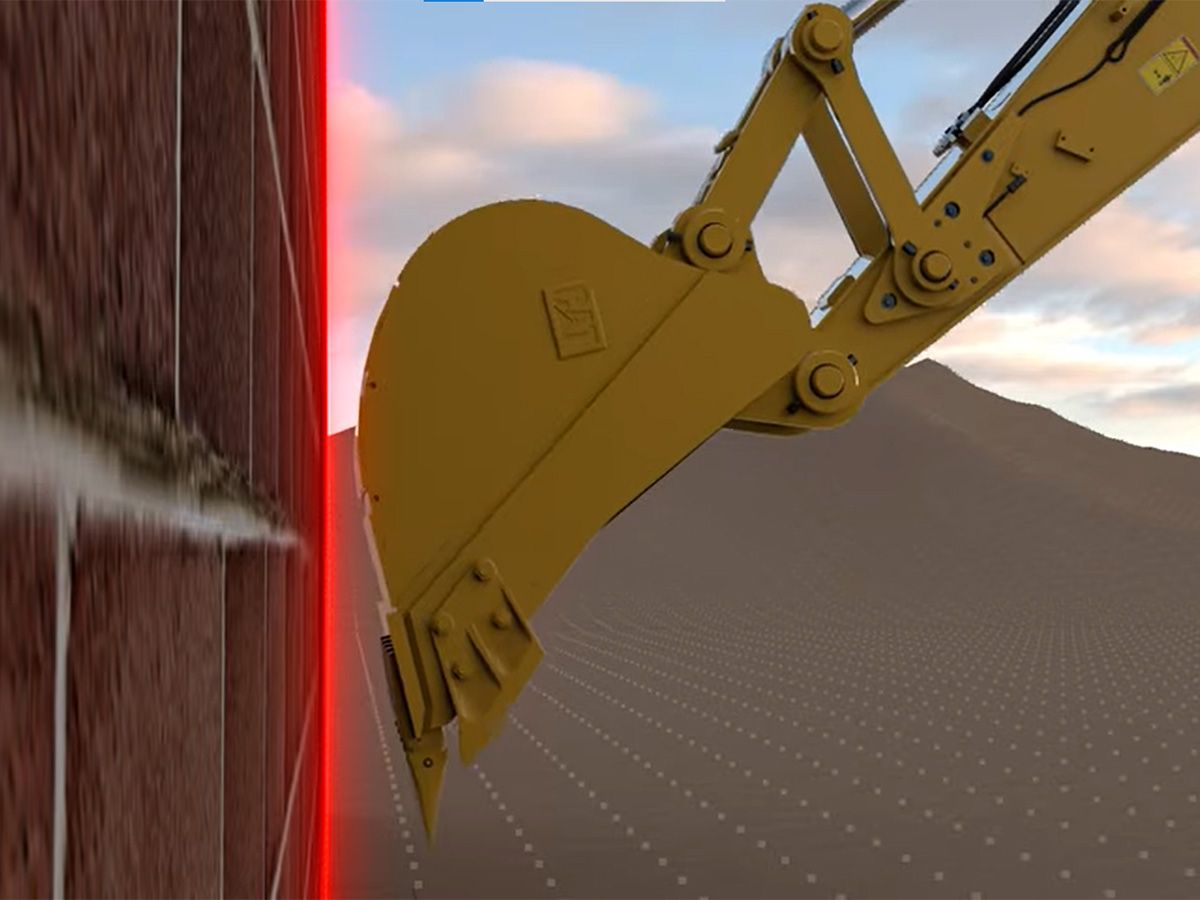
- E-wall helps you avoid structures in front of the machine.
- E-wall sets your wall boundary in front of your excavator through the touchscreen monitor to stop your boom and stick from breaking that boundary.
- Swing Without Restriction
-
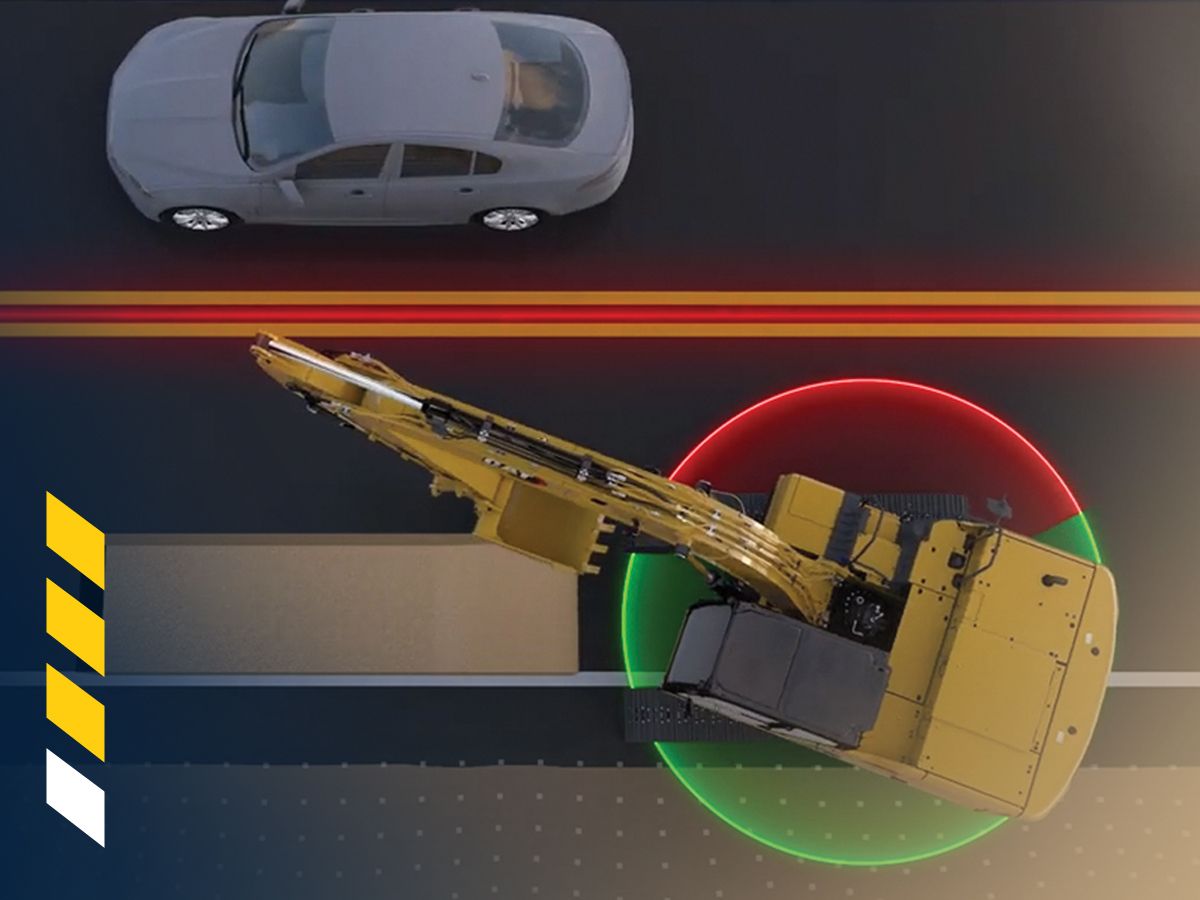
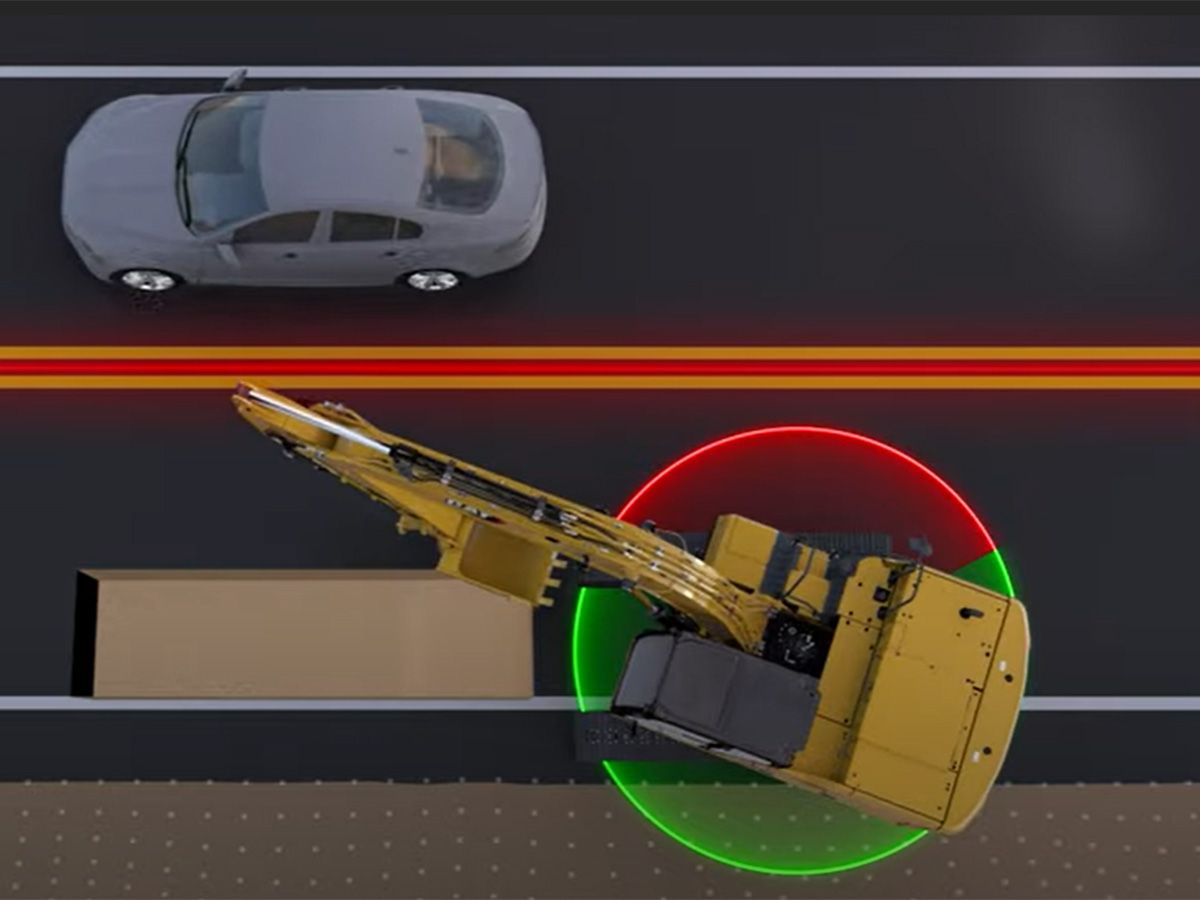
- E-swing helps you avoid swinging into obstacles to the side of the machine such as live traffic and structures.
- E-swing sets your swing boundaries to the side of your excavator through the touchscreen monitor to stop your boom and stick from swinging past those boundaries.
- Work Up Close
-
- Cab Avoidance helps you avoid contact between your bucket or hammer and the cab.
- Set your cab boundary through the touchscreen monitor and the bucket or hammer is stopped from moving past that boundary.
Similar New Technology